Project Directory Panel
The Project Directory panel provides access to locally saved files and Cycle resources for the open Cycle project.
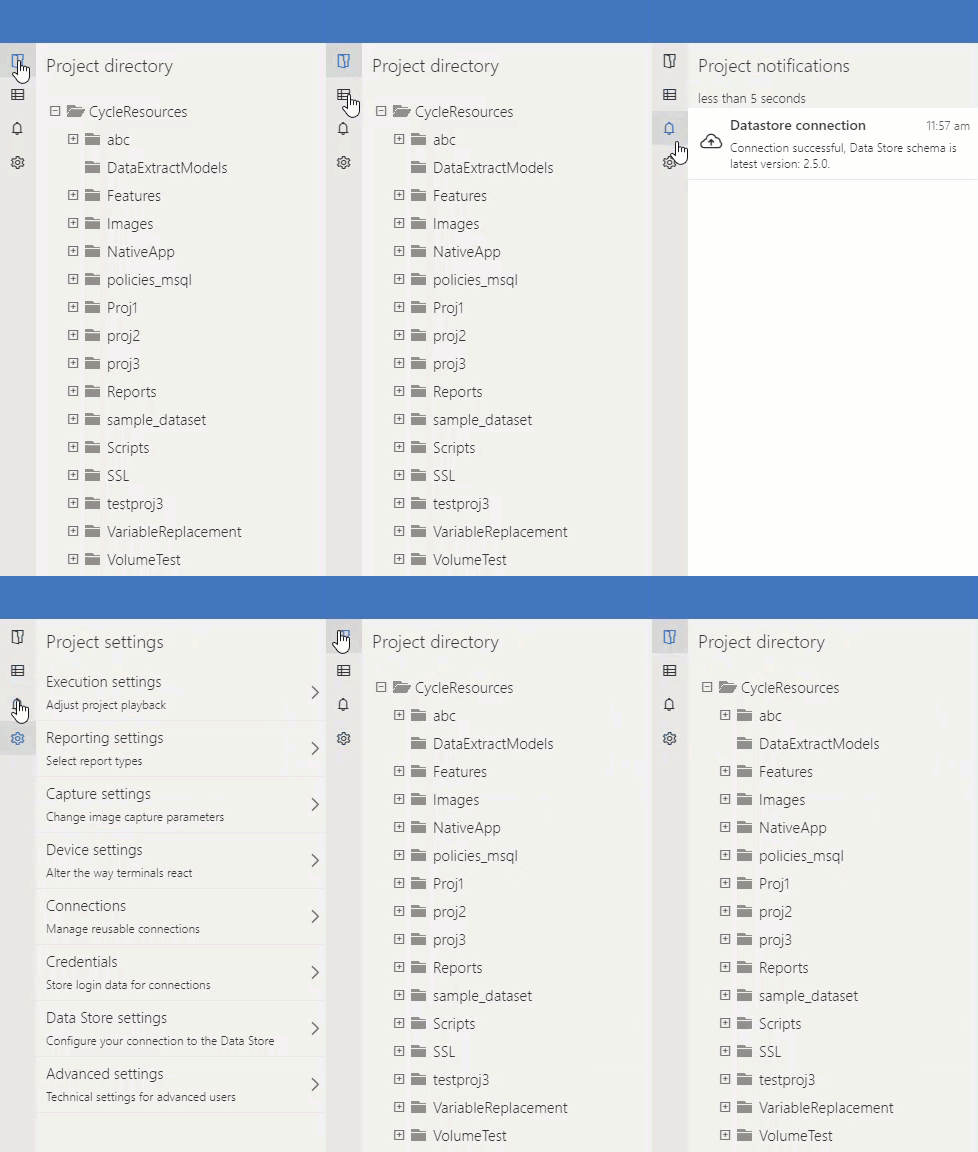
This panel has panes you can select by their icons in the top left:
- Project Directory
- Project Notifications
- Project Settings
Project Directory
On startup, the Project Directory displays the last Cycle project that was open. The files and folders displayed in the Project Directory panel change when you open a different project or import or create a new Cycle project.
You can interact with the Project Directory panel by drilling down into a folder or by searching from the Filter Project Directory... search box. This search is not case-sensitive and filters the file tree to show any matching files.
Project Notifications
This pane displays the history of notifications for your Cycle executions, reports, and any errors that may arise.
Project Settings
Update project-level settings by clicking the gear button in the top right corner of the Project Directory panel. This pane contains settings related to Cycle execution, reporting, and more.