Multi-Cursor Editing
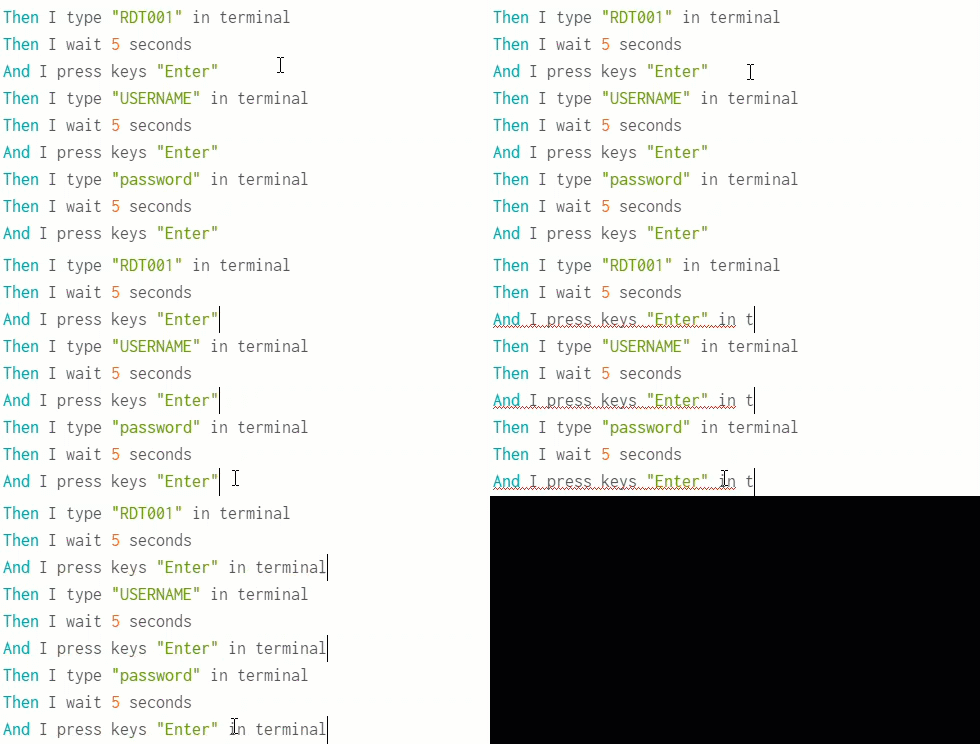
Cycle versions 2.0 and later support multi-cursor editing within the Cycle Editor workspace. Hold down the CTRL key while clicking on a new line to create an additional cursor.
Multiple cursors allow changes to multiple steps at once.
In the example below, three steps are updated to their ...in terminal versions.
Another click without any keys held down removes all other cursors and returns to normal single-cursor behavior.