Desktop IDE
The Cycle Desktop IDE is an integrated development environment for creating and running software tests. Use it to develop and run automated tests on your machine.
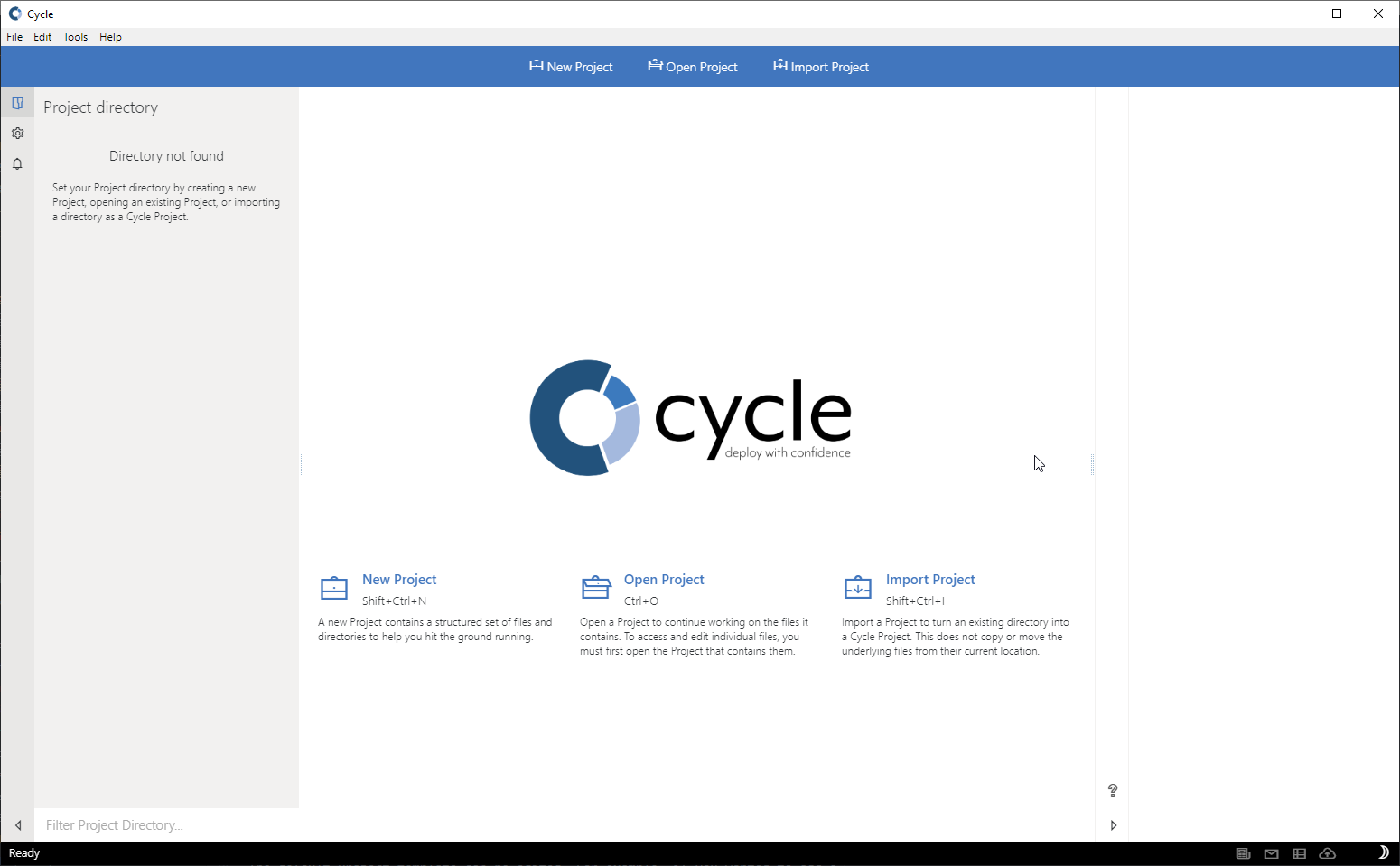
Cycle first opens to a Welcome Screen:
The main layout of Cycle has four major components:
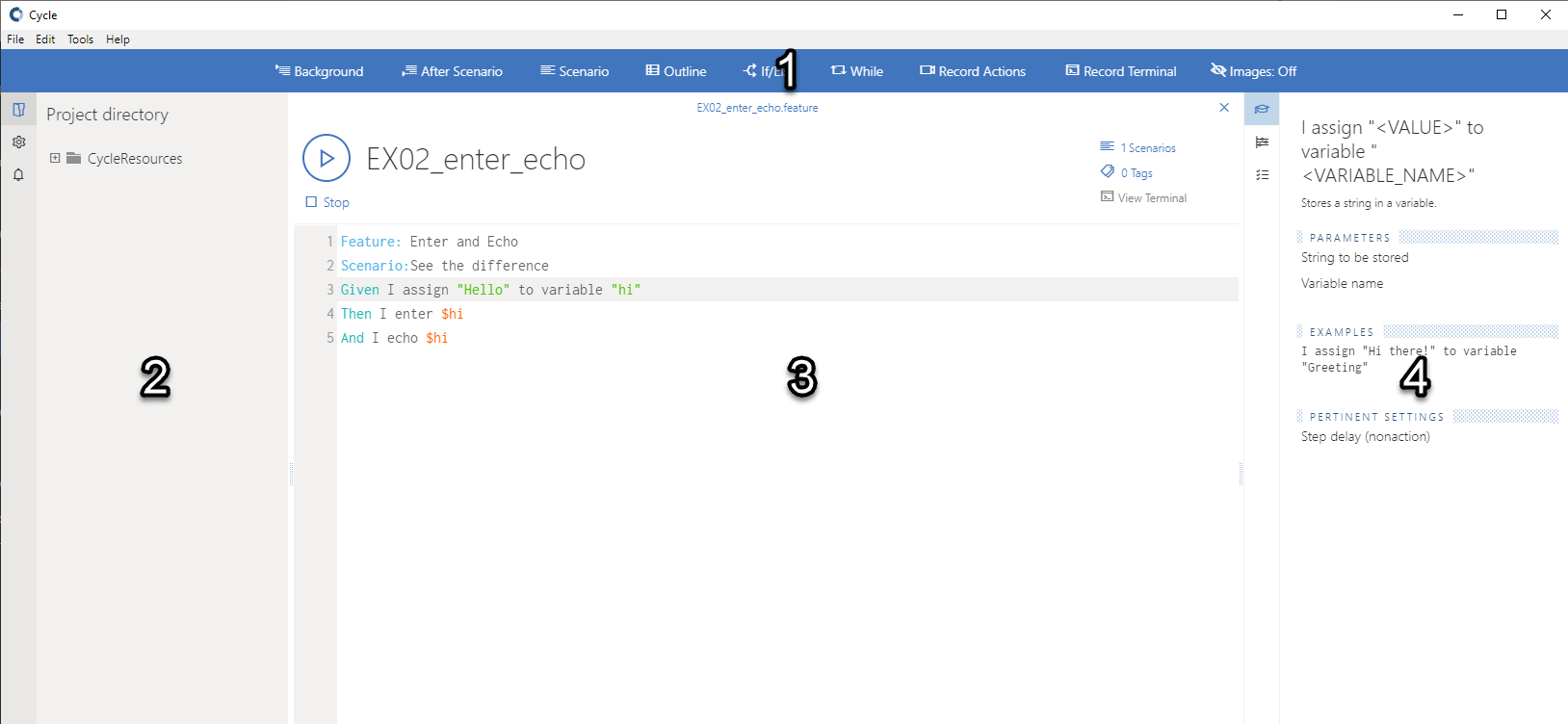
- Cycle Ribbon toolbar. The wide blue bar across the top of Cycle that dynamically displays different buttons based on whether a Cycle project is currently open or on the type of file open in the Editor workspace.
- Project Directory panel. The gray box on the left side of Cycle that displays local files, resources, and directories associated with the open Cycle project. This panel also includes a button in the bottom-right corner that opens the project-level settings.
- Cycle Editor workspace. The primary workspace where Feature Files, playlists, and group tests are created, edited, and executed.
- Inspector panel. The box on the right side of Cycle that contains tabs for the Assistant Editor, Settings for the open file, the Output of an executed test, Cycle's Data Extract Tool, and a Help & Support section. This panel is blank when no project is open.
The Cycle Editor also provides editing aids for Feature Files: