Understanding Step Documentation
When you expand a step card in the Step Guide, you can see the full documentation for that step. Not every section appears for every step — only the sections relevant to that step are shown.
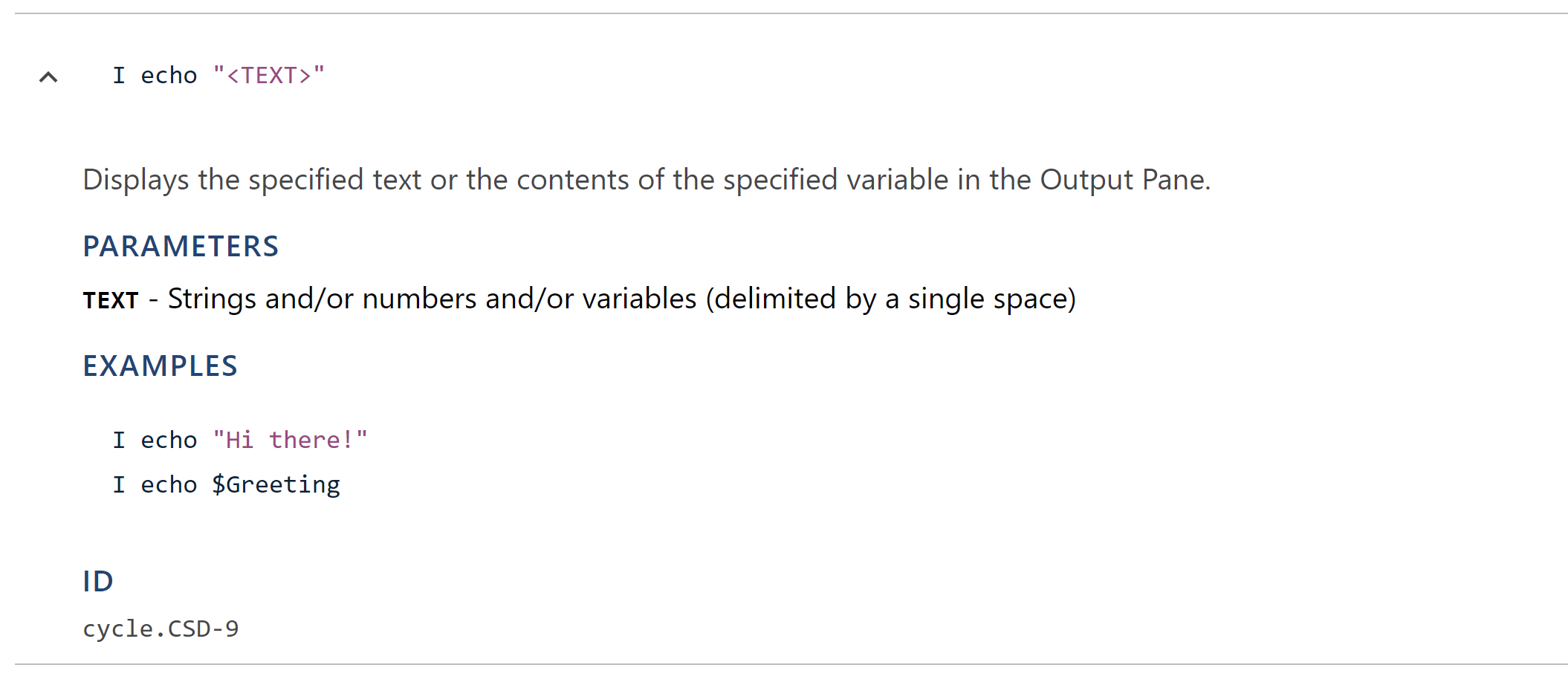
Description
The description explains what the step does in plain language.
Parameters
Parameters are the replaceable values in a step's syntax, shown in angle brackets. For example, in the step:
I open app "<APP_NAME>" at "<APP_PATH>"
APP_NAME and APP_PATH are parameters. The Parameters section lists each parameter along with a description of what value it expects.
Variables
Some steps read from input variables that must be set before the step runs, and some steps produce output variables that store values for use by later steps. When present, these sections list each variable and describe what it represents.
Requirements and restrictions
Some steps have Requirements or Restrictions for step usage. The Requirements section lists prerequisites that must be met before the step can run, such as having an open application or an active database connection. The Restrictions section lists any limitations on how the step can be used, such as only working with certain application types.
Examples
The Examples section shows sample usage of the step with realistic parameter values, making it easy to see how the step should look in a feature file.
Step ID
At the bottom of each expanded step card, the full step ID is displayed (for example, "cycle.APP-1"). This ID uniquely identifies the step across all plugins.