Output Tab
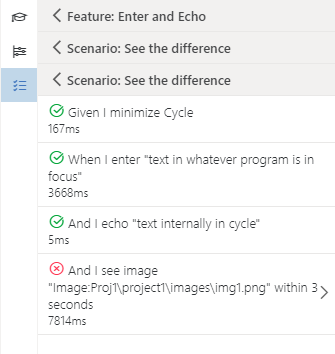
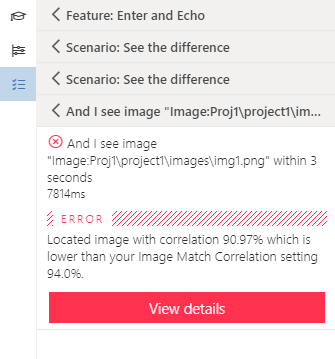
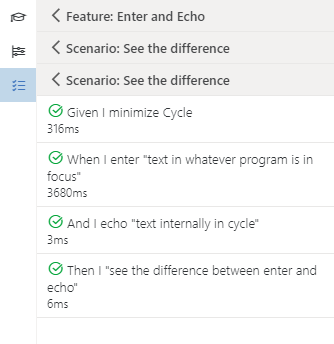
Results of a Feature File running are shown in rolled-up groups in the Output pane of the Inspector panel. These can be expanded or collapsed by clicking on the rows for Feature Files, Scenarios, or steps. If a step fails, the Output tab displays the failed steps with a red X to the left of them, along with the error message (see figure below).
Successful test
Unsuccessful test