Executing Features
Once a Feature File is ready to be executed, start the process by pressing the Play button:

At the start of Feature File execution, the Inspector panel updates to show the Output pane and the Feature File in progress. Do not move the mouse or press keys while a Feature File is executing, as this may interfere with the actions being performed by Cycle.
While a Feature File is executing, the Play button is replaced by the Pause button:

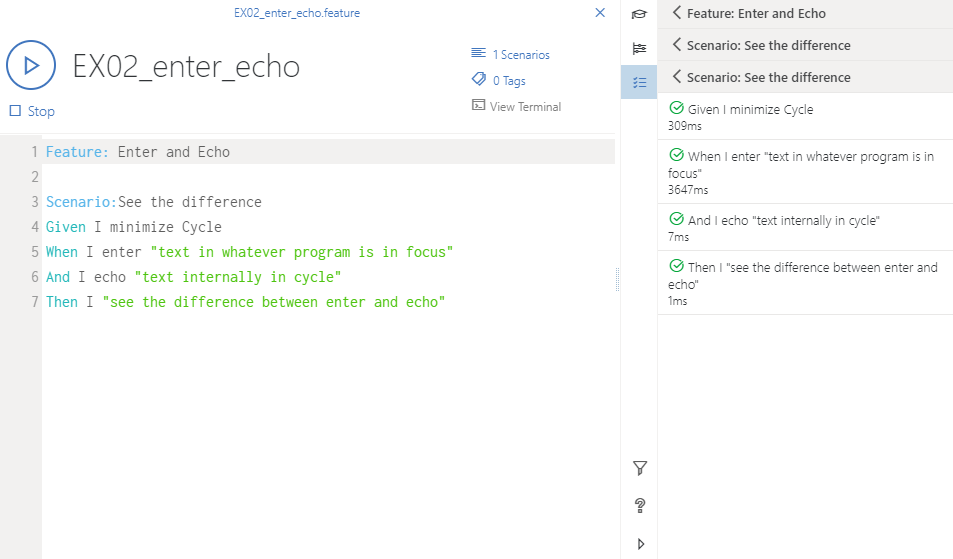
Cycle displays the step-by-step results of the Feature File execution in real time in the Output pane of the Inspector panel. Passing steps are displayed with a green check mark, steps in progress show rotating arrows, and failed steps show a red X.
The figure below shows a successful execution.