Opening from the Desktop IDE
A straightforward way to open the Cycle Report Dashboard is from the Cycle Desktop IDE. In the Desktop IDE, look to the right sidebar. Click the fourth icon from the top. The right panel then displays a button for launching the Report Dashboard.
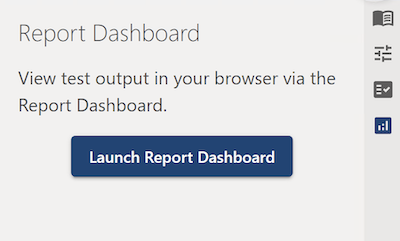
When this button is clicked, Cycle opens the Report Dashboard in a new tab or window in the local machine's default browser. If you have not run any tests, the dashboard does not show any results.
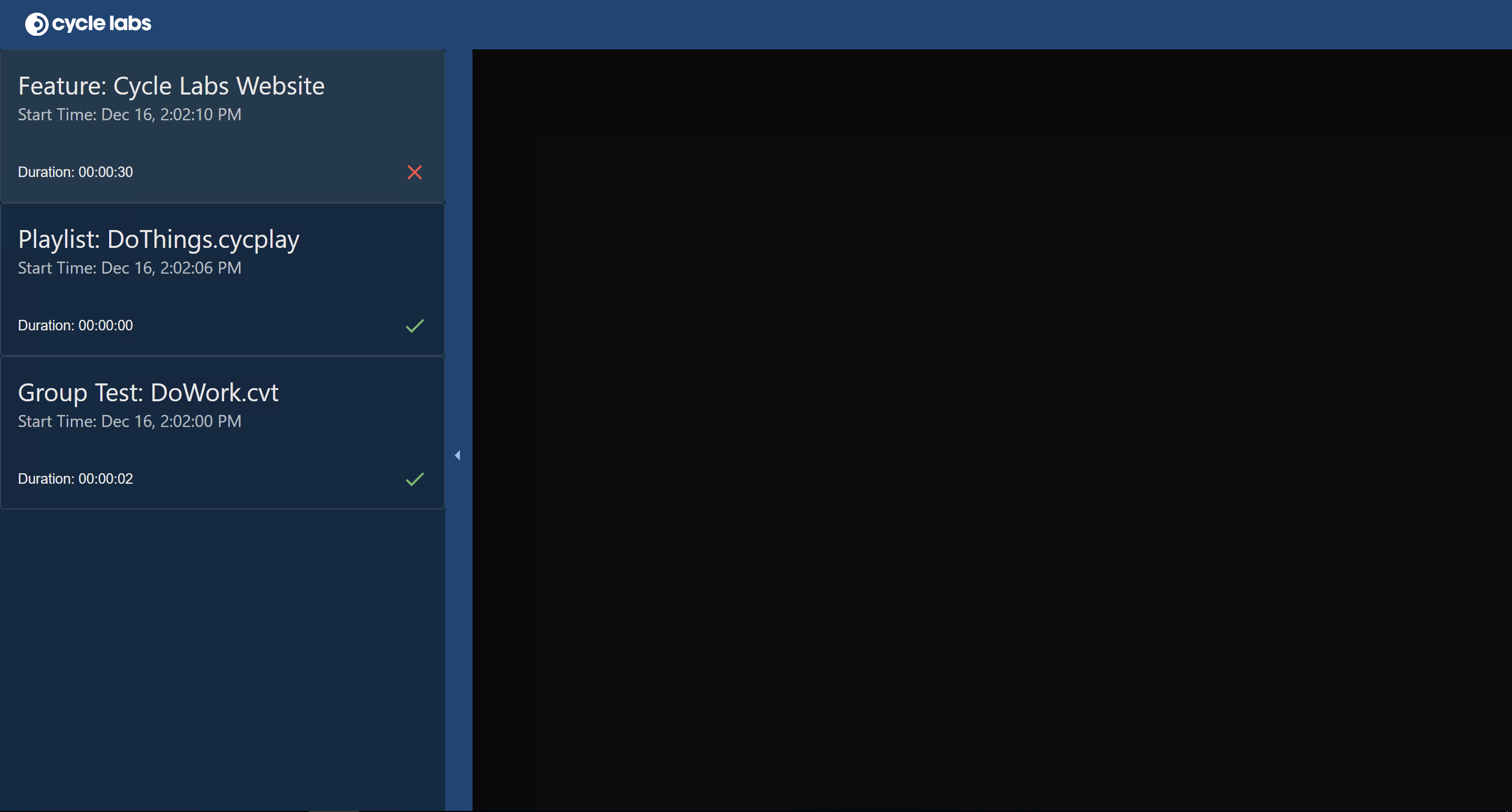
When you run tests, the dashboard shows their results. You do not need to refresh the dashboard or close it and then reopen it. The dashboard automatically posts new results. If you launch tests multiple times, the dashboard shows results for each launch.
The dashboard keeps results as long as the Cycle Desktop IDE is open. When you close the Desktop IDE, Cycle automatically deletes all results. The next time you open the Report Dashboard through the Desktop IDE, the test results start afresh.