Data Store Reports
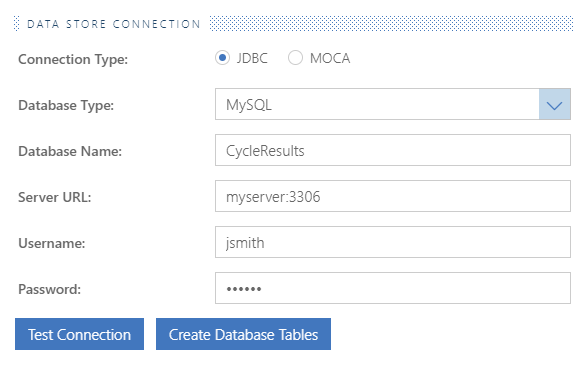
If you have the Write results to data store setting turned on while running a test, Cycle writes the results of the execution into the database specified in the DATA STORE CONNECTION section of your reporting settings.
MySQL example
H2 example
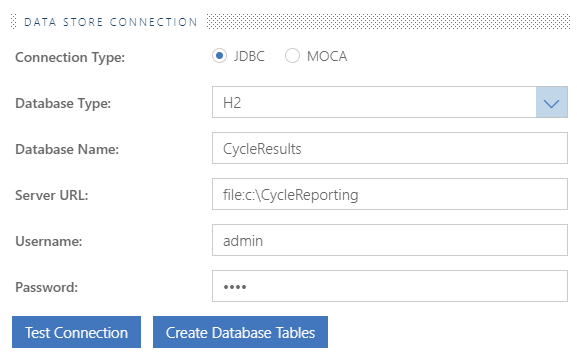
If you are using an H2 database for Data Store reporting and also have an open session connected to it in a separate DB client, Cycle cannot simultaneously connect to it unless you include ;AUTO_SERVER=TRUE at the end of your Server URL as shown below:

Before using this function, confirm the access and write permissions of the credentials for your Data Store Connection:
Test Connection
This confirms that the credentials supplied are able to log in and create a session on the database.
Create Database Tables
This attempts to create the tables in the specified database for logging results. While this is not required, it helps determine whether the user has the necessary permissions to write to the database.
MariaDB
As of Cycle 2.4.0, MariaDB is not supported for Cycle's Data Store reporting.
The tables created resemble the following:
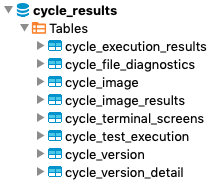
At minimum, the user configured in your connection settings should have select, insert, and update privileges to these tables.
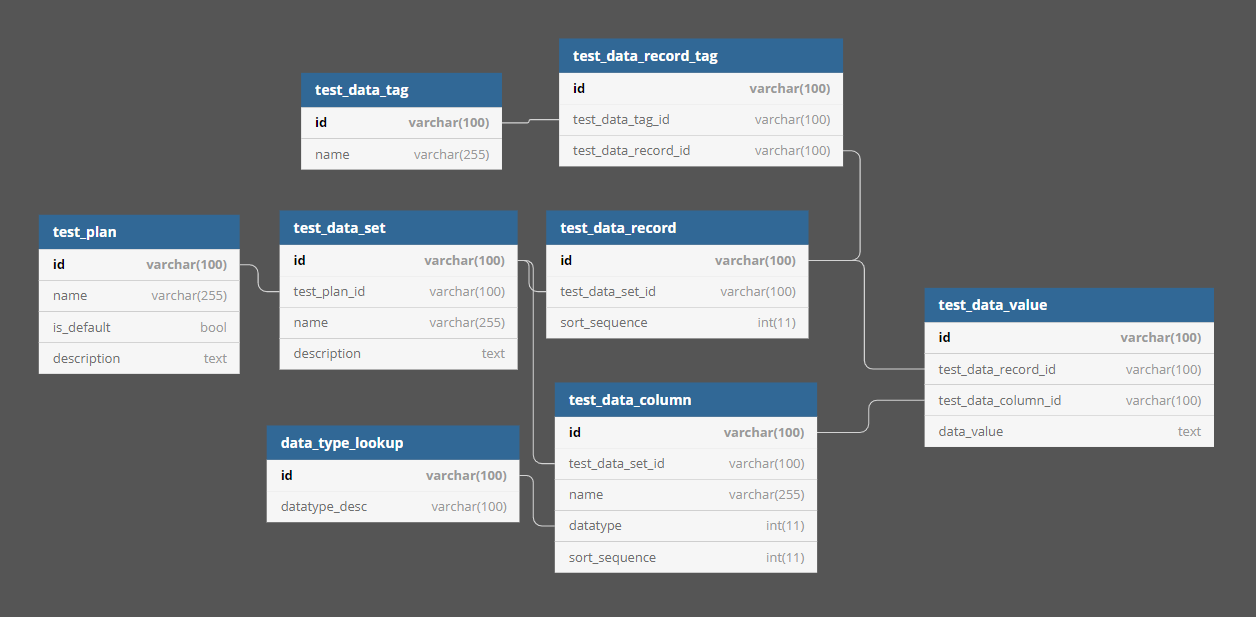
JDBC Data store ERD
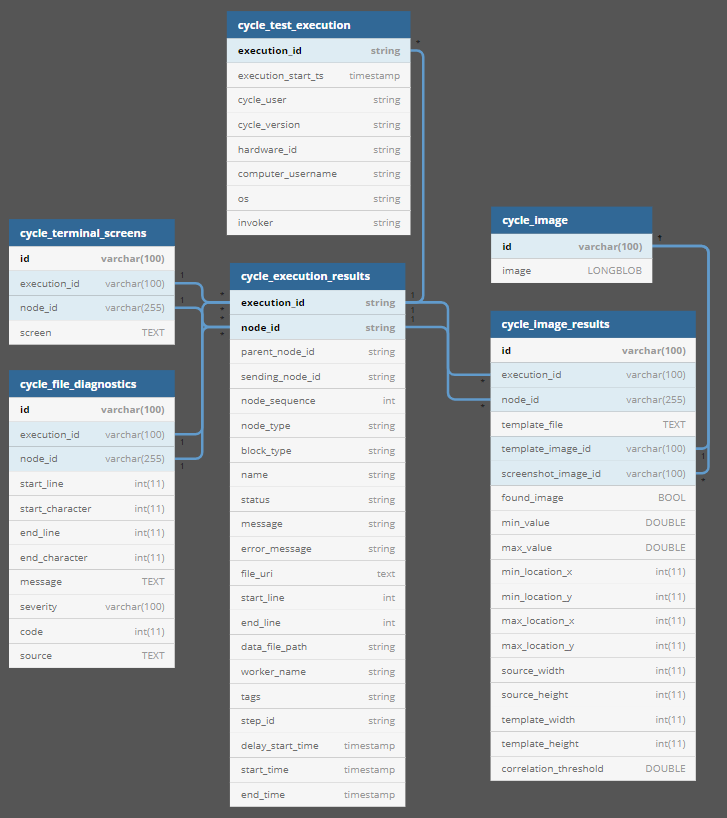
MOCA Data store ERD
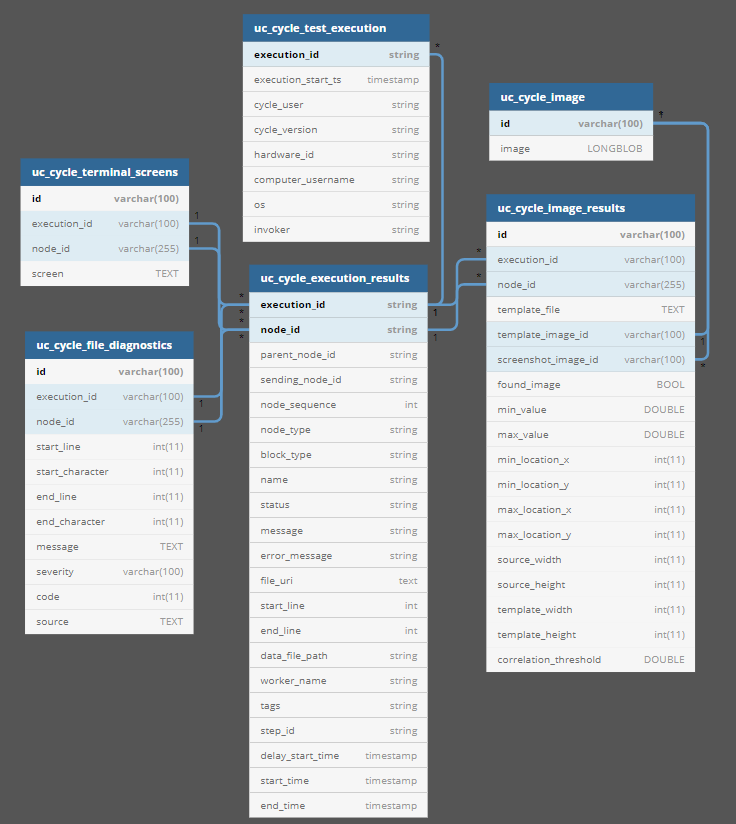
ERD for Data Store as a data source for Scenario Outlines