Opening the Step Guide
The Step Guide can be opened directly from the Cycle application. It opens in its own dedicated window, so you can keep it open alongside the main Cycle window while writing tests.
Opening from the Help menu
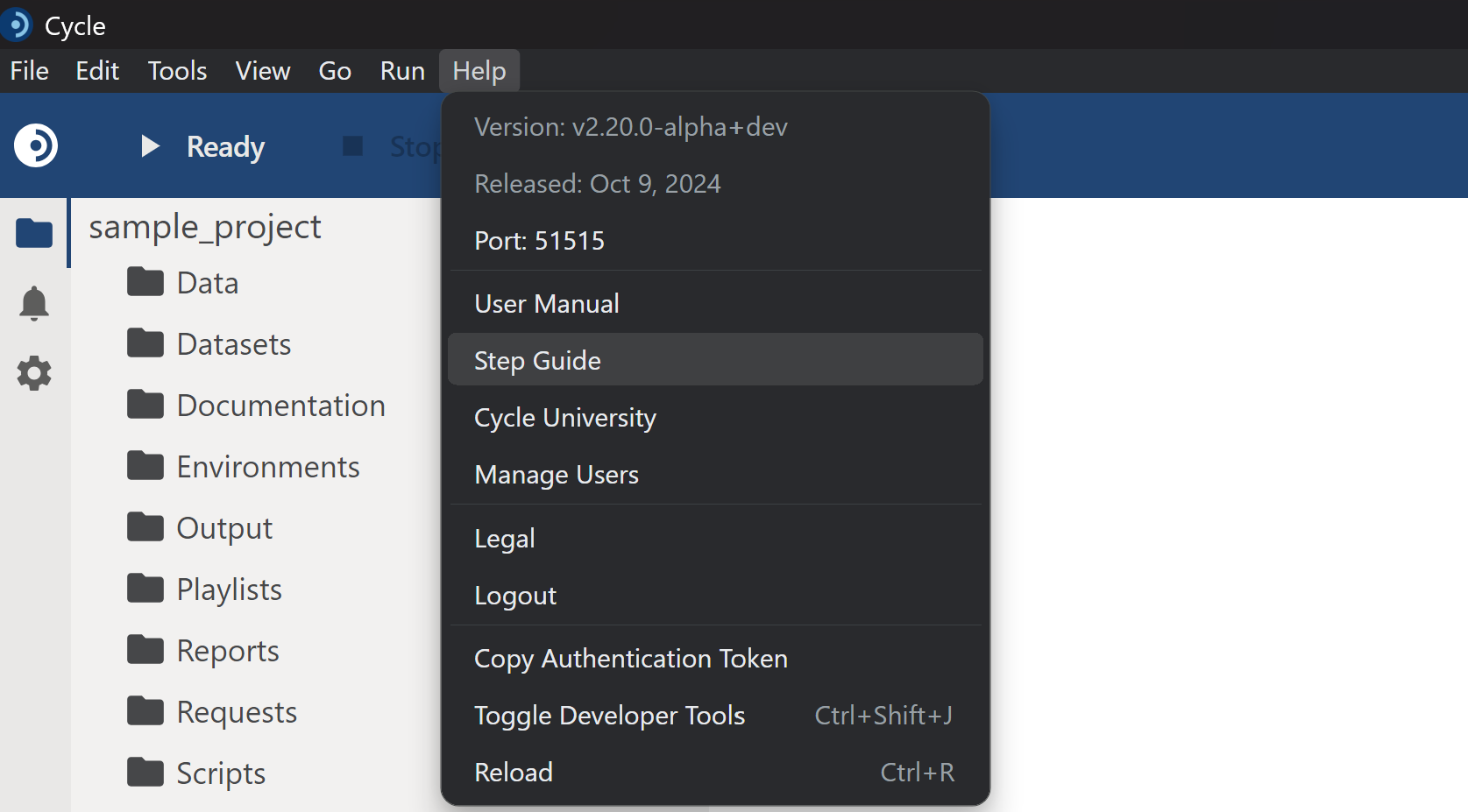
To open the Step Guide:
- In the Cycle application, click the Help menu in the menu bar.
- Select Step Guide.
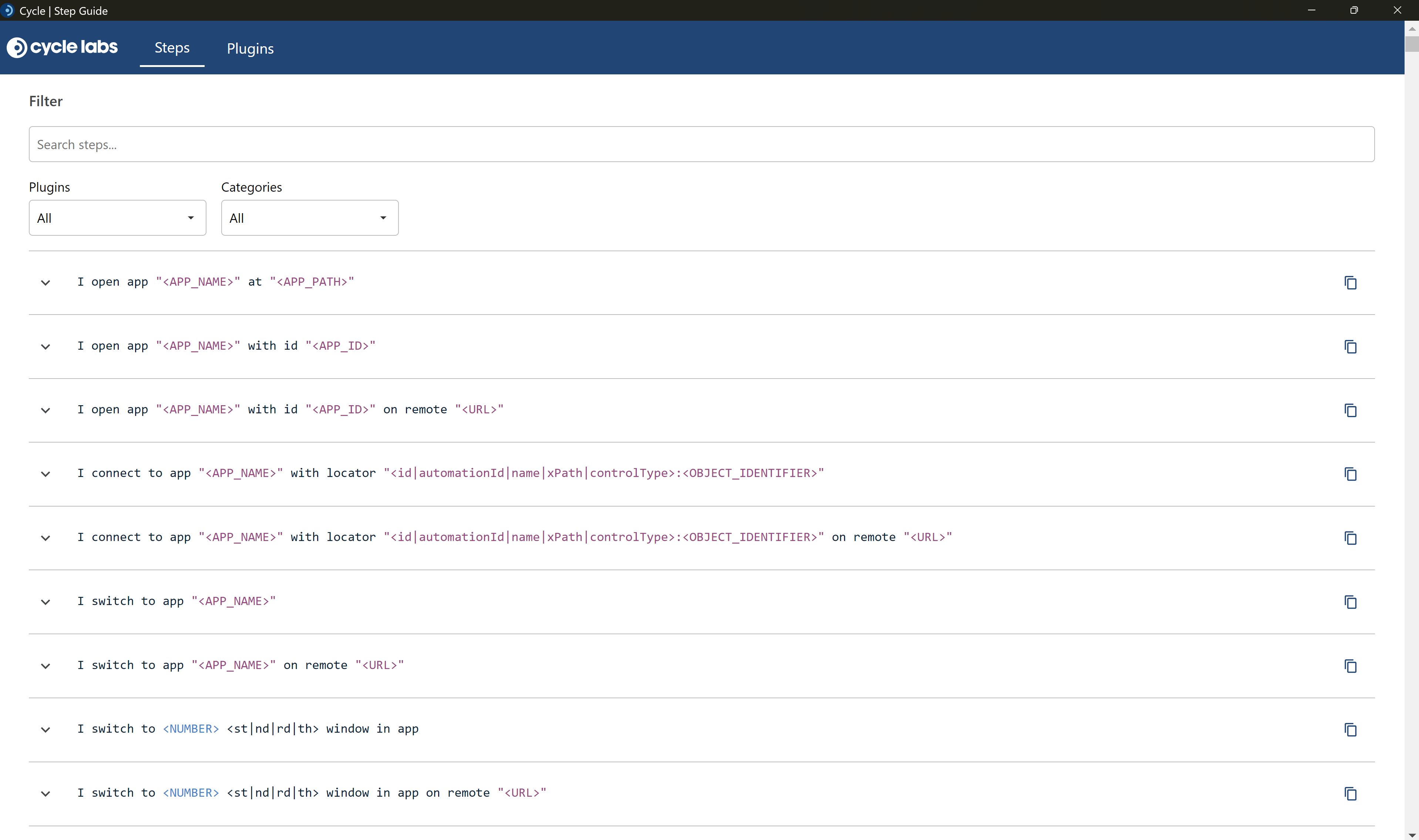
A new window titled Step Guide opens, displaying the full step documentation browser.
Window independence
The Step Guide window is independent of the main Cycle window. You can resize, reposition, or minimize it as needed. However, closing the main Cycle window also closes the Step Guide.
Opening from the command line
You can also launch the Step Guide directly from the Windows command line without opening the main Cycle application.
- Open a Command Prompt or PowerShell window.
- Navigate to the directory where Cycle is installed:
cd "C:\Program Files (x86)\CycleLabs\Cycle"
- Run the following command:
cycle.exe --step-guide
This opens the Step Guide window directly.